If solution deployment is not updating the artefacts, please delete the unmanaged layer in the destination environment
Example : Dev environment has a solution named “Custom Solution” and one choice named “Alignment”. It has the following choice options in it.
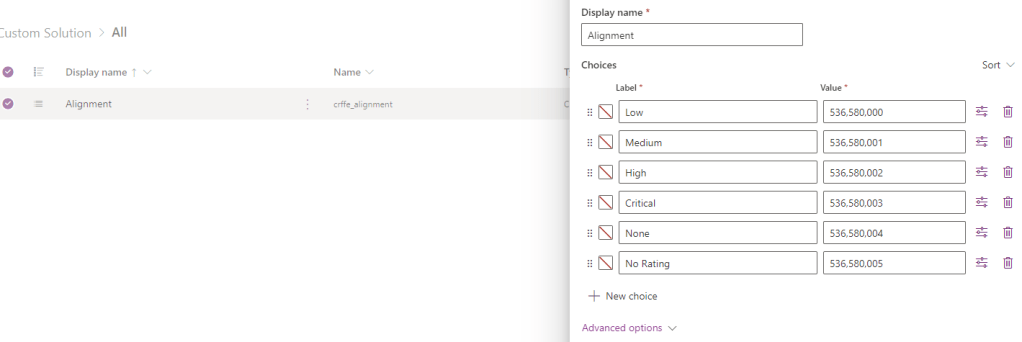
Export and importing to the destination environment (UAT ) as managed layer

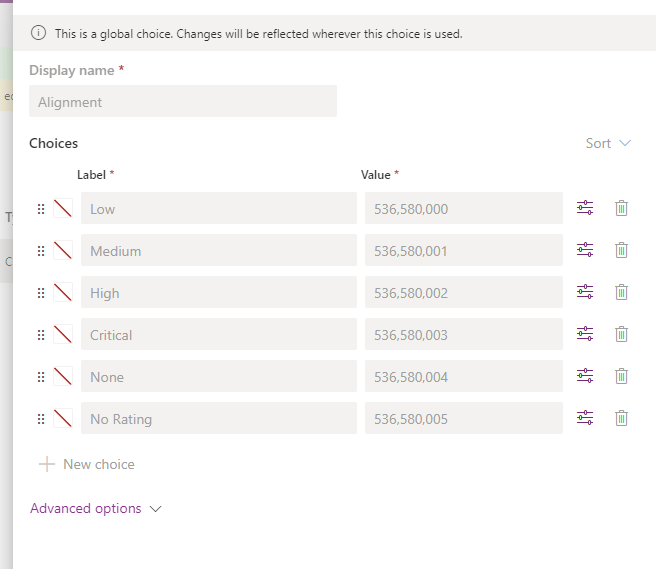
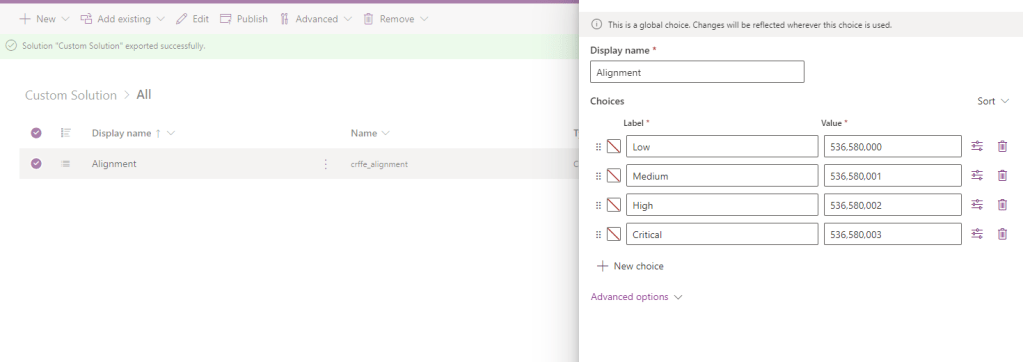
Deleting the options in the source ( DEV ) environment and importing to the UAT environment.
The changes are carried-out in the UAT environment.
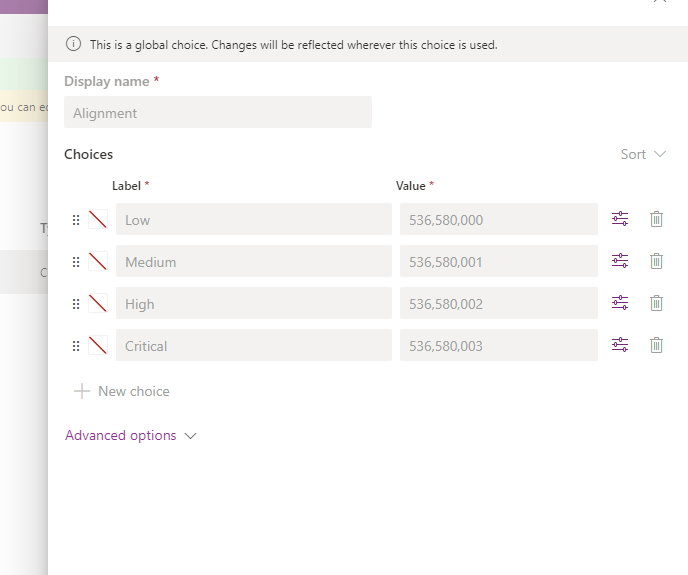
Issue : Are you still seeing the deleted options in the UAT environment?
Checklist #1: Delete any unmanaged layer in the destination environment
In UAT environment, please navigate to the managed solution and select “See solution layers” under “Advance option”
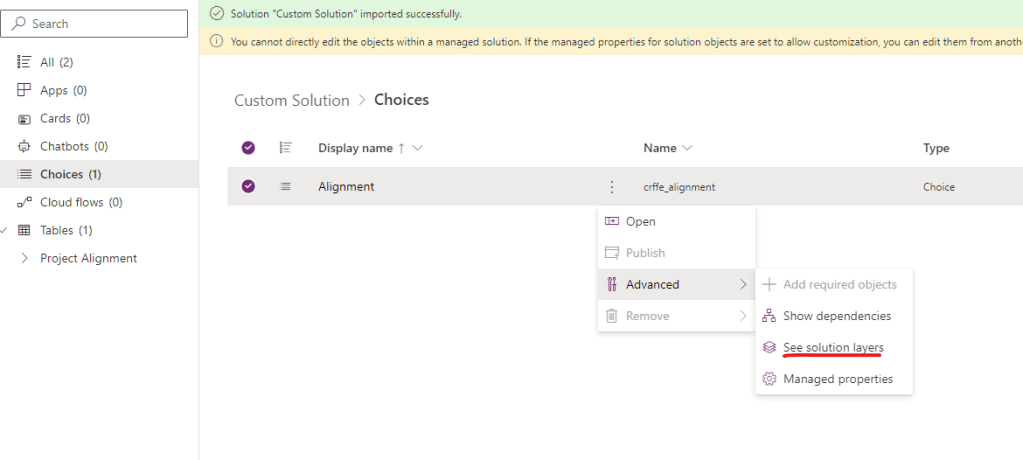
And delete any unmanaged layer in it.
 $ree Blogs